
Meta - A Northstar Onboarding Concept (NDA)
Summer 2025 - under kind guidance from the Core Growth team
OVERVIEW
A series of learning, iterating, and cross-functional collaborating
This summer, I spent 3 months at Menlo Park working on a Northstar onboarding experience for the Meta AI app. I collaborated with engineers, project managers, and designers to create a functional 0-1 design they could use to guide future decisions. Towards the end of my internship, I presented my work to the directors of Central Products and received overwhelmingly positive feedback.
PROJECT CONTEXT
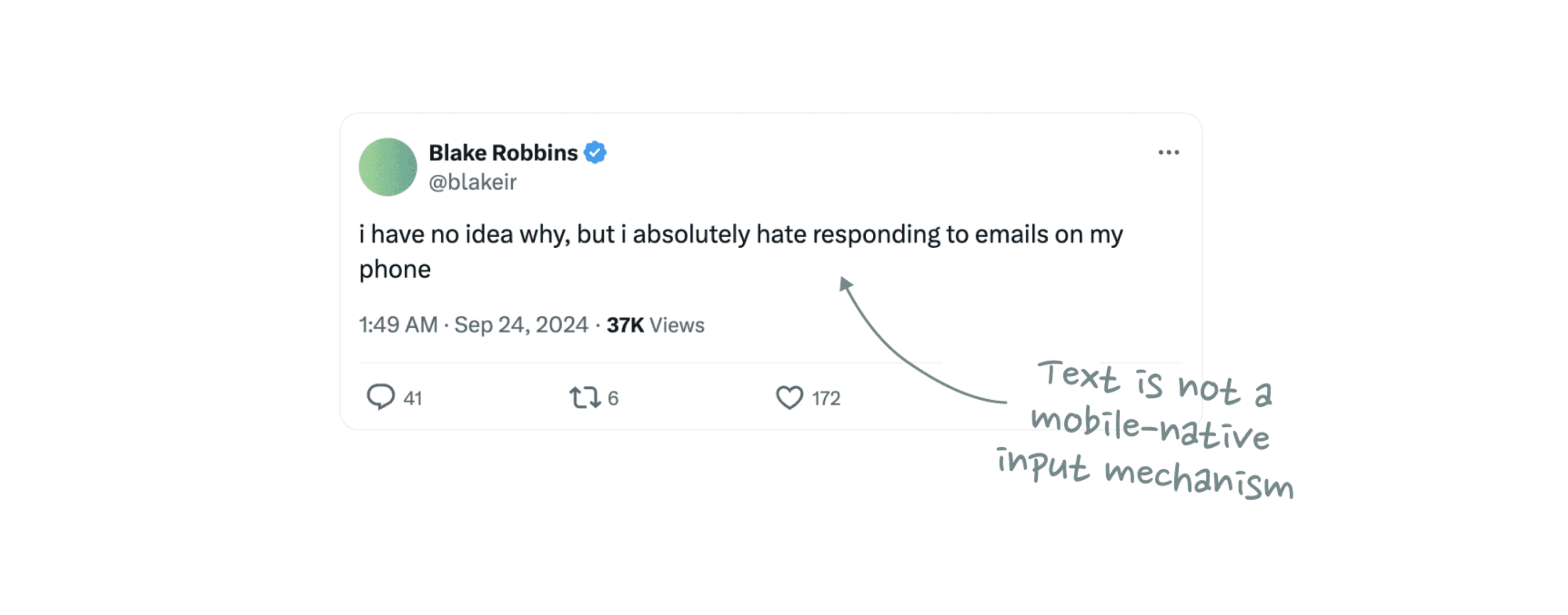
What if registration was fun and magical, almost like talking to a friend?
This project started with my team's desire to integrate AI-powered conversational interactions into the Meta AI app registration process. The goal of this project was to streamline the sign-up experience, making it easier and more intuitive for users to understand and engage with chat-based AI agents. Here's a peak into the before and after!
Old design

New design
PROCESS
Diverging and converging
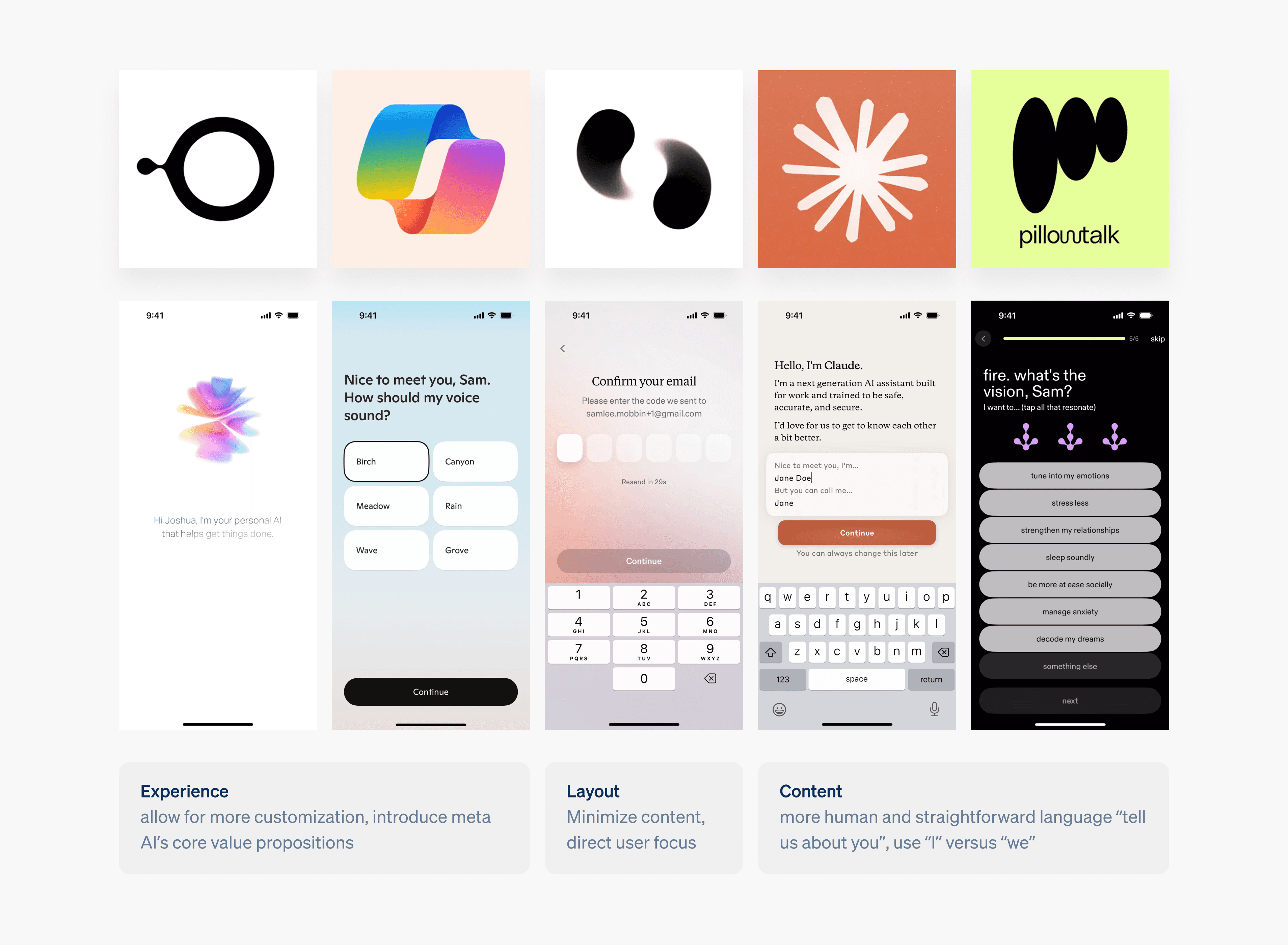
I can break the entire project process down into 3 main parts… scoping down to a couple of screens by deciding WHERE conversation makes sense in the registration process, designing the conversational interface itself, and then scaling that part of the flow to the e2e experience.
DESIGN PRINCIPLES
What makes a GOOD conversational interface?
At this point I started to question whether conversational interfaces should be the way forward, but I decided to focus on producing a good experiment. Instead of focusing on the WHY, I should focus on the HOW. How can I create a successful experience given the context of data collection needed for registration? To ground myself in ideation, I decided on 4 design principles for the overall experience.
Trustworthy
Ensure users trust us and believe their accounts are secure and protected. Ensure users always believe in our ability to protect their info.
Unified
Prioritize consistency across other access flows while thinking about consistency within the app experience itself.
Engaging
Incentivize users to complete registration by making the experience delightful & fun.
Intuitive
At the end of the day, users should be able to access the technology and complete registration as fast as possible.
Intuitiveness being the most important because at the end of the day the main JTBD is still registration. A conversational interface is only useful in this context if the user is inputting less than they would for a regular form field experience.
THE CONVERSATIONAL INTERFACE
Arriving at the perfect conversational interface
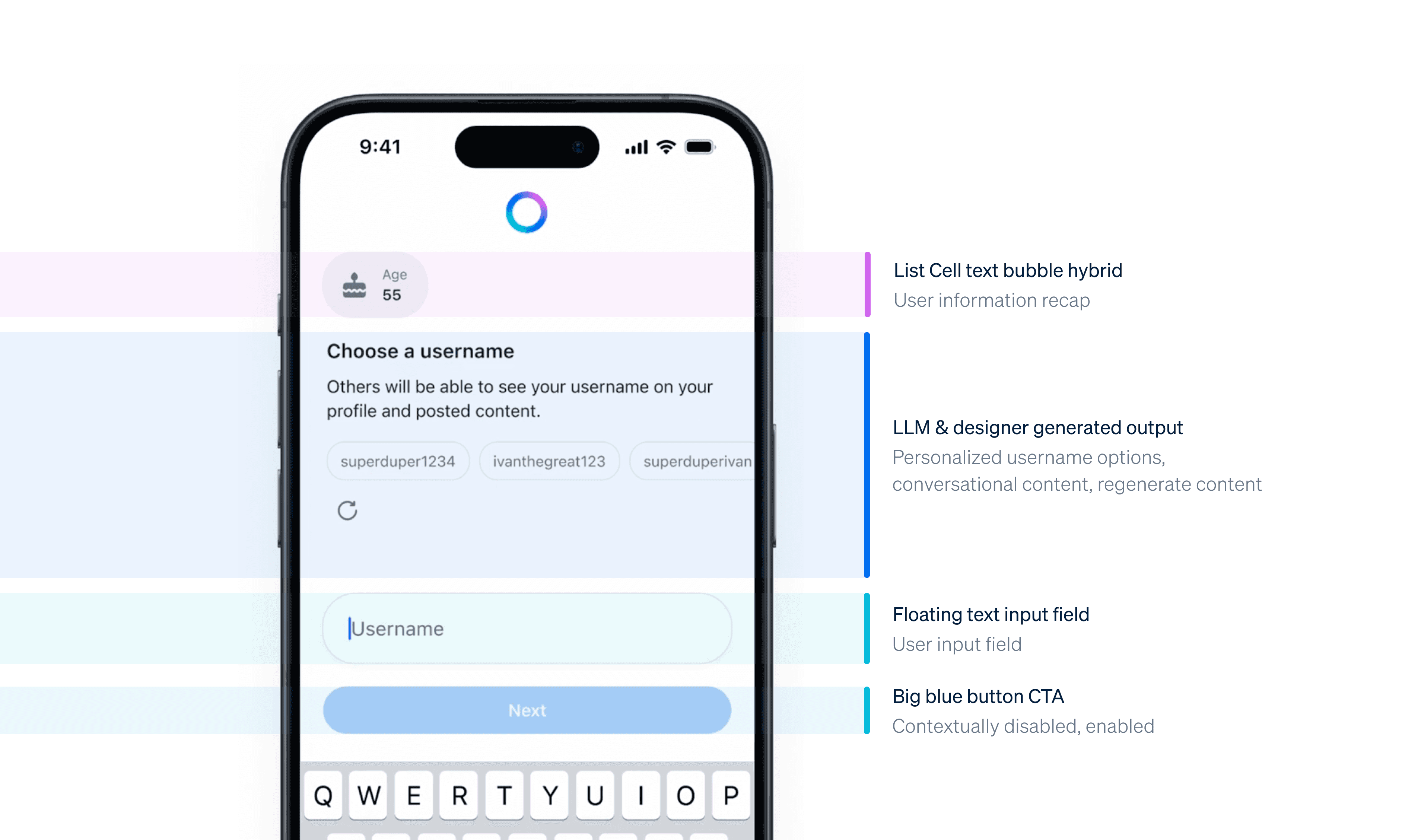
After testing over 50 different iterations with different components and layouts, I arrived at the final design. This design combines the core experience of registration, with the interactions and visual design language of Meta AI.
DESIGNS
A peak into some prototypes I made on Origami Studio!
This is a snippet of my work at Meta. If you would like to learn more, feel free to reach out to me!
REFLECTIONS
I learned to take advantage of the juniority of my role
Being an intern means that people are more forgiving and more willing to teach! I learned to maximize that power and be curious, absorbing like a sponge through conversations with designers I look up to. I also made sure to experiment, fail, but fail fast and early, making sure to explore every possible interface idea I could think of.
I learned how to communicate in the workplace
Context setting - especially for such a complex project with many different parts. Audience awareness is key - a big learning was knowing what to present to the different kinds of audience (design reviews, informal crits, cross functional stakeholders, they each require different formats of presentation)
Improvement is driven by effort
Putting in the work, even outside of what was assigned to me, was what really pushed me to grow this summer. I knew I wanted to improve my visual design skills, so I spent countless hours designing every informal critique/ formal review deck in a different art style. Having personal growth as a motivational factor drove me to challenge my limits in the workplace.
TESTIMONIALS
Kind words from kind people!
"This work is really, really good. You took a project that was super ambiguous and made it a legit north star— something that when you look at it, you think, "I want this now! What do we need to do to ship this thing!". These prototypes are sick. And your command of interaction design and craft here comes through. You did a wonderful job navigating a complex, ambiguous project and framed it into something compelling, inspiring, and novel. I have no notes.

Tommy Giglio - Design Director
"Seriously, it was really awesome to work with you and see how you learn new things and push really hard to become a better designer. I like how motivated you are to make beautiful and useful things, there are few of us who really love designing things and I'm really glad that you are one of those people.”
Ivan Kolygin - Principal Product Designer